
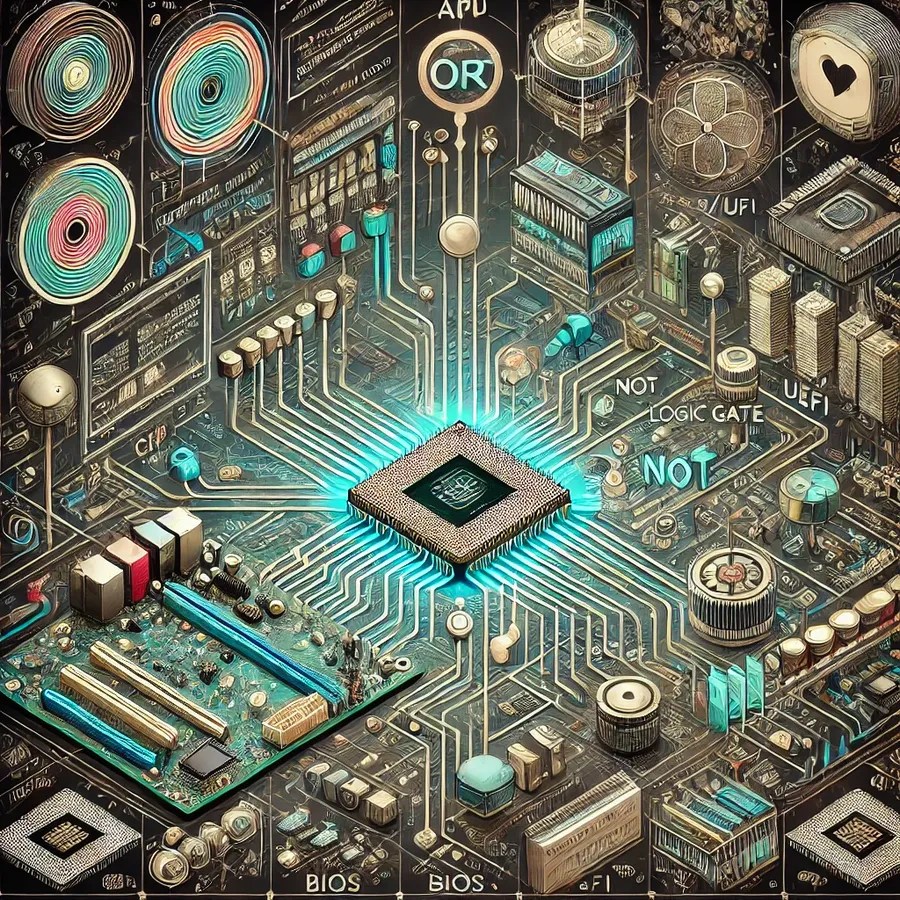
In a world dependent on digital technology, understanding how computers operate is like peering into the soul of modern civilization. From the moment you press the power button, a symphony of electronic signals, logical operations, and intricate circuitry begins. This article will explore how the soul of a computer gets activated, drawing on our discussion about the roles of BIOS/UEFI, logic gates, controllers, and more.
1. The Power-On Moment
Power Supply Activation: The journey begins with the power supply unit (PSU). When the power button is pressed, the PSU sends electrical power to the motherboard and other components. This power is crucial, as it activates the circuits and prepares the system for initialization.
Power Good Signal: The PSU doesn’t just send power; it also sends a “power good” signal to the motherboard. This signal indicates that the power levels are stable and suitable for starting the system. Without this signal, the motherboard would not proceed with the boot process.
2. CPU and Firmware Initialization
CPU Reset: Once the motherboard receives the power good signal, it sends a reset signal to the CPU. This reset signal ensures that the CPU starts in a known state, ready to execute its first instructions.
Fetching Firmware: The CPU begins its journey by fetching instructions from the BIOS (Basic Input/Output System) or UEFI (Unified Extensible Firmware Interface) firmware. These instructions are stored in non-volatile memory (like ROM or flash memory) on the motherboard. The CPU’s program counter is set to a predefined address where the firmware resides.
3. BIOS/UEFI Execution: The First Instructions
Power-On Self-Test (POST): The BIOS/UEFI starts by performing the Power-On Self-Test (POST). This series of diagnostic tests checks the essential hardware components, such as the CPU, memory, and basic peripherals, to ensure they are functioning correctly. Logical operations within the CPU process these tests, using internal circuits made up of transistors and logic gates.
Hardware Initialization: After the POST, BIOS/UEFI initializes the hardware components. This involves setting up the CPU, configuring memory, and initializing input/output devices. The firmware sets control registers and prepares the system to load the operating system.
Device Detection and Configuration: BIOS/UEFI scan system buses (like PCIe) to detect connected devices. Each device’s presence and configuration are determined using logical operations and sequences of instructions. Resources like I/O ports and memory addresses are allocated to these devices.
4. Logic Gates: The Building Blocks of Decisions
Understanding Logic Gates: Logic gates are the fundamental building blocks of digital circuits. They process binary inputs (0s and 1s) and produce a binary output. Basic gates like AND, OR, and NOT form the core of these operations:
- AND Gate: Outputs true (1) only if both inputs are true.
- OR Gate: Outputs true (1) if at least one input is true.
- NOT Gate: Outputs the opposite of the input.
Transistor-Level Operations: At the hardware level, these logic gates are implemented using transistors. For example, an AND gate uses two transistors in series. Current flows through both only if both inputs are high, producing a high output. Similarly, OR gates use transistors in parallel, and NOT gates use a single transistor to invert the input signal.
5. Controllers: Orchestrating the Components
Arithmetic Logic Unit (ALU): The ALU is a critical component within the CPU that performs arithmetic and logical operations. It combines basic gates to execute instructions like addition, subtraction, and logical comparisons. For instance, an ALU might use AND, OR, and NOT gates to create complex circuits that handle binary addition and bitwise operations.
Control Unit (CU): The CU interprets instructions from the BIOS/UEFI and generates control signals to direct the CPU’s operation. It decodes the binary instructions, determines the required actions, and uses logic gates to manage the execution sequence. The CU ensures that each component of the CPU works harmoniously, fetching, decoding, and executing instructions in the correct order.
Memory Controllers: Memory controllers manage the flow of data between the CPU and memory (RAM). They use logic gates to decode addresses, read from and write to memory locations, and handle data transfers. These controllers ensure that the CPU has fast and reliable access to the data it needs for processing.
6. Boot Device Selection and OS Loading
Boot Order: BIOS/UEFI follows a configured boot order to select a bootable device (like HDD, SSD, or USB drive). It applies logical decisions based on user settings or default configurations to determine the priority of these devices.
Executing the Bootloader: Once a bootable device is selected, BIOS/UEFI reads the bootloader from the device. In a BIOS system, this involves reading the Master Boot Record (MBR). In a UEFI system, it reads the GUID Partition Table (GPT) and executes the EFI bootloader.
Loading the Operating System: The bootloader loads the operating system kernel into memory. The CPU then transitions from executing firmware instructions to executing the operating system’s initialization routines. This process involves complex logic to set up the system environment, initialize drivers, and prepare the user interface.
7. The Role of Advanced Logic
Complex Instructions: As the operating system takes over, it executes more complex instructions. These instructions involve higher-level logic, such as managing multitasking, handling interrupts, and executing application code. The operating system relies on the CPU’s ALU and CU to perform these tasks efficiently.
Memory Management: The operating system uses sophisticated memory management techniques to allocate and deallocate memory, manage virtual memory, and ensure data integrity. This involves logical operations to translate virtual addresses to physical addresses and manage memory protection.
Peripheral Management: Advanced logic controls peripheral devices (like keyboards, mice, and displays). Device drivers, which are part of the operating system, use logical operations to communicate with hardware, process input, and render output.
8. Quantum Computing: A Glimpse into the Future
While our focus has been on classical computing, it’s worth noting that quantum computing represents a significant leap forward. Quantum computers use qubits instead of binary bits, allowing them to perform complex computations more efficiently. The principles of quantum mechanics, such as superposition and entanglement, enable quantum gates to process multiple states simultaneously.
However, the core concept remains the same: at the heart of a quantum computer are logical operations, albeit more advanced than those in classical computers. These operations enable quantum computers to solve problems that are currently intractable for classical systems.
Conclusion
The soul of a computer is activated through a meticulously coordinated series of events, beginning with the power-on signal and progressing through firmware initialization, hardware configuration, and operating system loading. Logic gates, transistors, and controllers work in harmony to process binary data, execute instructions, and manage the system’s resources.
From the basic operations of AND, OR, and NOT gates to the complex orchestration by controllers and the CPU, every step is crucial in bringing a computer to life. Understanding this intricate dance of electrical signals and logical operations provides a glimpse into the marvel of modern computing, where each component plays a vital role in transforming raw electrical impulses into the sophisticated digital world we rely on every day.

 EssayBoard
Leave a comment