
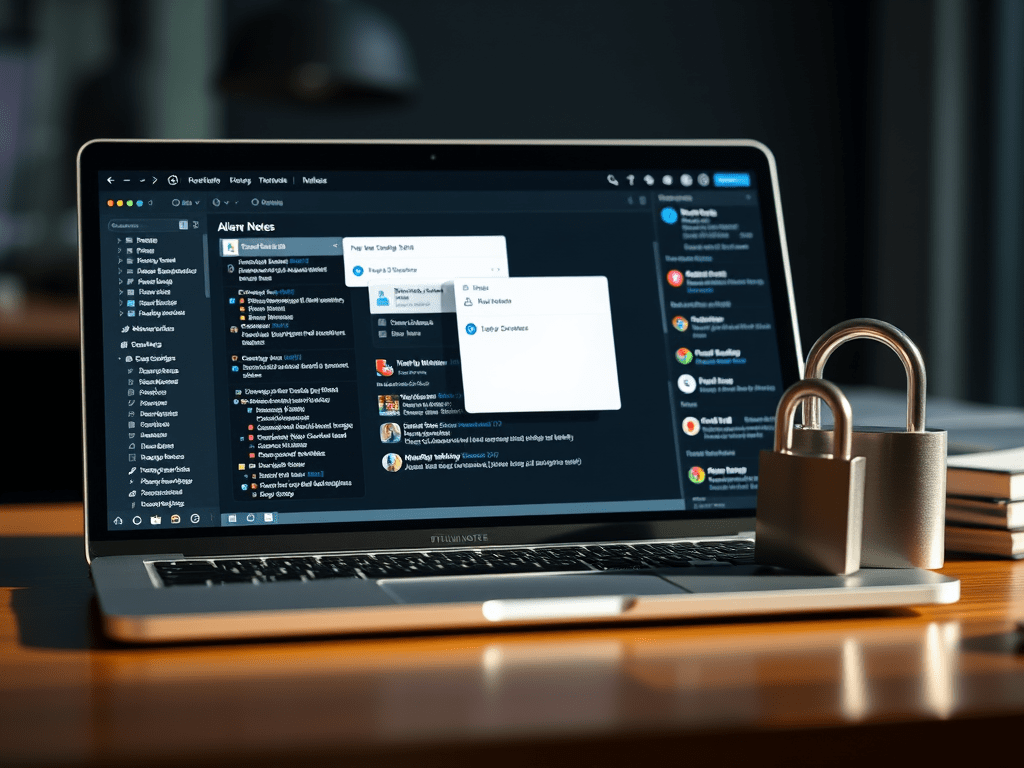
In a world overflowing with note-taking apps, Trilium Notes might just be one of the best-kept secrets for power users, privacy advocates, and anyone tired of freemium traps. After using Evernote and dabbling in Google Keep, I found myself constantly frustrated — either I’m being nudged into paying for basic features, or I’m trusting my personal notes to cloud services that may or may not respect my data privacy.
That’s when I discovered Trilium Notes — and everything changed.
🧩 What Is Trilium Notes?
Trilium is a self-hosted, hierarchical note-taking app designed for people who think deeply, write often, and prefer control over convenience. It’s free, open-source, and runs beautifully on a NAS, local server, or even a spare PC or VM. I installed it through Docker using CasaOS, and it instantly became my go-to personal brain.
🚀 Why I Love It
1. Hierarchical Notes That Make Sense
Trilium treats notes like a Linux user treats files — everything is a node. A note can act as a folder, a tag, or a document. You can clone, nest, and build entire knowledge trees that mimic how your brain actually organizes information.
2. Private by Design
All my notes stay on my local server. Nothing is synced to the cloud unless I choose to. Sensitive data? Trilium lets me encrypt individual notes with its protect feature — a killer feature that makes it easy to keep journal entries, API keys, or private thoughts locked down.
3. Fast and Intuitive
Despite its depth, Trilium is snappy. Whether I’m typing in a rich text note, copying over article snippets, or flipping between sections, it’s fast. Like, ridiculously fast. No spinning sync wheels. No ads. No distractions.
4. Power Features Without Bloat
- Rich text formatting and code blocks
- File attachments
- Scripting and attributes
- Daily journal support
- Note version history
- Full-text search
This isn’t your average note app. It’s a second brain designed with the power user in mind.
☠️ Why I Left Evernote and Google Keep Behind
- Evernote became too pushy with paid plans. It’s bloated, slow, and limits how you use your own content.
- Google Keep is free, but offers no structure and zero encryption — and your data lives in the Google cloud.
- Trilium gave me speed, security, and full control — no compromises.
📦 My Setup (and You Can Copy It)
I installed Trilium via Docker on CasaOS (a clean, simple server UI), hosted on a spare PC running 24/7. It’s accessible on my home network, completely offline if I want, and I back it up weekly.
Want something similar?
- Try Trilium’s official Docker image
- Pair it with CasaOS for GUI-driven app management
- Optional: Expose it securely with a reverse proxy + VPN if you need remote access
🛠️ Final Thoughts
Trilium isn’t for everyone. It has a small learning curve, and it’s not flashy like Notion or Obsidian. But if you:
- Think like a builder or sysadmin
- Want deep note hierarchies
- Crave local-first privacy
- Prefer utility over flash
Then Trilium Notes might just be your forever note app.
No subscription. No lock-in. Just your brain, organized.
📘 Disclaimer
This is AI generated content. The content of this blog post reflects my personal experience and opinion at the time of writing. All information regarding Trilium Notes, competing apps, features, and setup instructions is accurate to the best of my knowledge as of the publication date. However, note-taking applications, self-hosting tools, and platform policies may evolve over time.
I do not represent the developers of Trilium Notes or any third-party tools mentioned. This is not a sponsored post, and I receive no compensation for promoting any software listed here.
Always verify the latest features, security practices, and installation methods directly from official sources before making decisions based on this post. What works well today may change due to updates, community direction, or personal needs.
Use your own judgment when deciding whether self-hosted solutions like Trilium are suitable for your workflow and technical comfort level.

 EssayBoard
Leave a comment